Glutton Profile
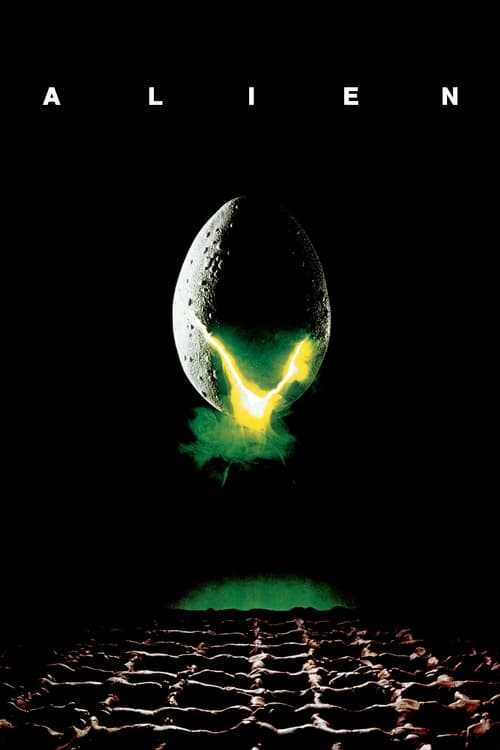
You are drawn to horror that gives you time to settle into a place before making it unsafe. The lived-in spaceship in Alien and the ordinary streets in Halloween matter as much as the threat itself. You respond to characters with convincing working lives and relationships; tension feels stronger when there is something human to lose. Slow pacing appeals to you when each quiet scene changes what you expect, rather than simply delaying the next scare.
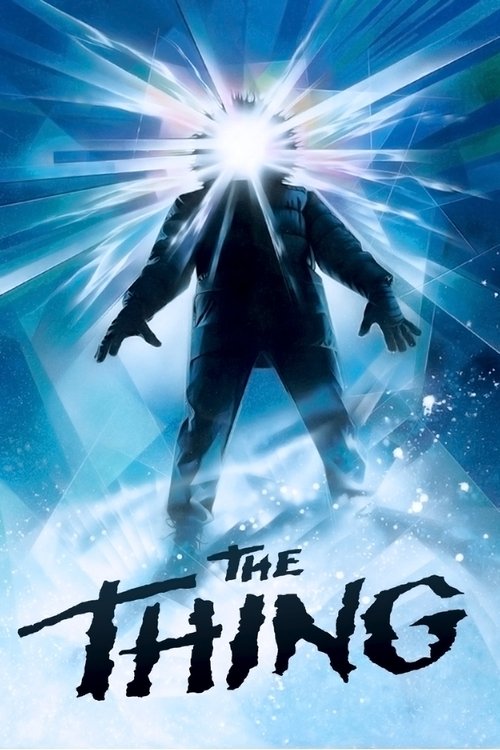
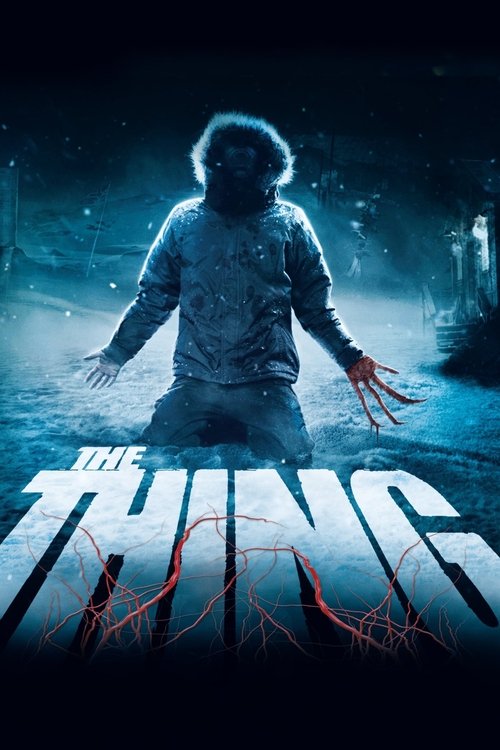
Paranoia and inventive practical effects are particular pleasures for you. The Thing (1982) is a favourite because the creature work and the uncertainty between the characters reinforce each other. The suspense continues even when nothing visibly monstrous is happening. You respond to effects that feel physically present and express the story's unease. The 2011 film did not work for you in the same way; the appeal is how atmosphere, character tension and craft come together, rather than the premise alone.
You are less interested in cheap jump scares that substitute an abrupt noise for anticipation. A frightening moment works better for you when the film has built a reason to care about what is about to happen. Repeated false alarms, predictable loud stings and characters who exist only to be startled tend to weaken the experience. Quiet does not have to mean uneventful: a change in trust, a sound in the next room or an unsettling detail can hold your attention.
Your taste spans decades rather than belonging to one period. The atmosphere of The Wicker Man can sit alongside the physical satire of The Substance. Modern studio remakes are less appealing when they trade a distinctive mood or approach for familiar, polished beats. These are current interpretations of what you have shared, not rules every new film must obey; your notes give the context and your ratings help the picture develop over time.
Top 10 qualities
Slow-building tension+32
Quiet scenes steadily change expectations and build anticipation.
Paranoia and distrust+30
Uncertainty between characters sustains suspense even without an immediate threat.
Practical creature effects+28
Physical effects bring a convincing presence and expressive detail to the horror.
Believable environments+25
Places feel inhabited and specific before something makes them unsafe.
Human vulnerability+23
Recognisable fears and relationships give the danger emotional weight.
Atmospheric sound+21
Sound and silence build unease beyond an individual scare.
Visual storytelling+19
Framing, colour and movement communicate tension without explaining it away.
Distinctive creature design+17
A creature has an individual visual identity that supports the film's ideas.
Isolated settings+15
Distance from help increases pressure on the characters and their relationships.
Ambiguous mysteries+12
Some uncertainty remains for the viewer to think about after the film ends.
Bottom 10 qualities
Cheap jump scares-29
Abrupt surprises replace the anticipation that would give a frightening moment weight.
Formulaic modern remakes-26
Familiar story beats replace the distinctive atmosphere or approach of an earlier film.
Repetitive loud stings-23
Sudden increases in volume repeatedly supply the main effect of a scare.
False-alarm scares-21
Threatening setups repeatedly resolve into harmless surprises before the real danger arrives.
Predictable scare rhythms-19
Threats and reveals arrive in an easily anticipated pattern.
Disposable characters-16
Characters have little individuality beyond their place in the next scare.
Spectacle over atmosphere-14
Large effects sequences displace a sense of place, anticipation or character.
Excessive exposition-12
Dialogue repeatedly explains the threat instead of letting uncertainty develop.
Empty nostalgia-10
References to an earlier film stand in for a new dramatic purpose.
Overexplained endings-8
The finale resolves uncertainty that had made the experience unsettling.